



How It WorksFrom WhatsApp message to appointment and follow-up.
Patient messages
A patient messages the clinic on WhatsApp and asks for an appointment.
Mitra finds a slot
Mitra checks the doctor’s calendar. If the requested time is unavailable, it suggests alternative slots automatically.
Patient picks. Mitra books.
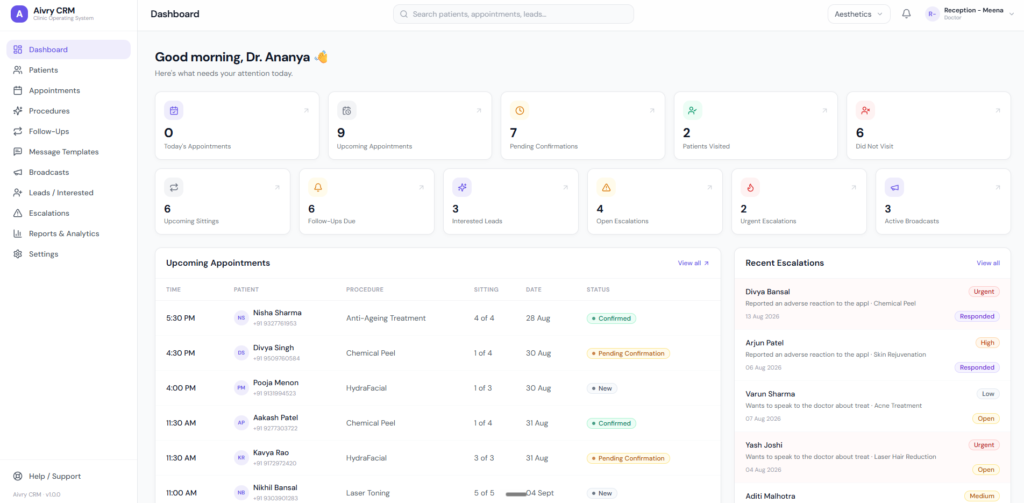
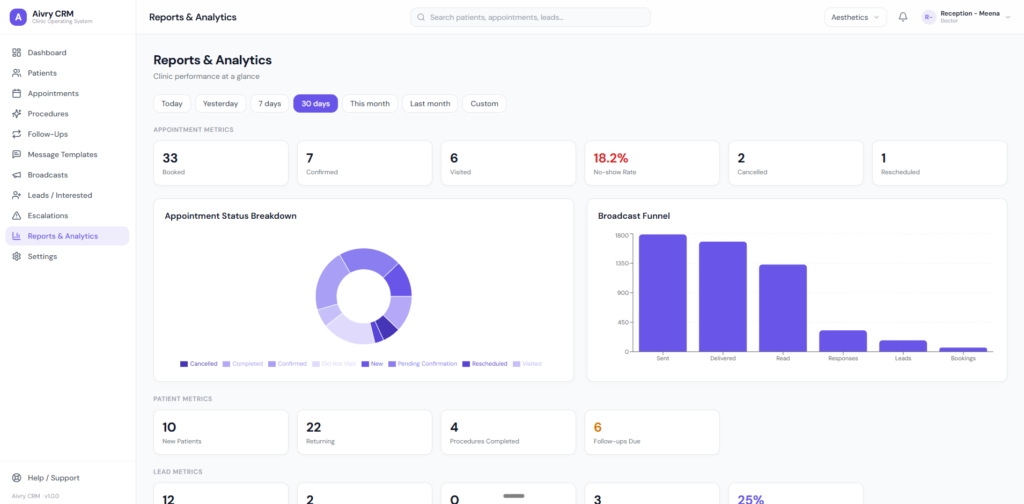
The patient receives confirmation on WhatsApp while the booking lands in the CRM, giving both sides a clear record of the appointment.
Mitra remembers
Before the appointment, Mitra can remind the patient and share clinic-approved pre-appointment guidelines or preparation instructions.
Doctor updates. Mitra follows up.
The doctor records the required follow-up in the CRM and Mitra communicates it to the patient on WhatsApp, reducing manual chasing by the clinic team.